 papmio
How to merge PDF files on iPhone or Android
Combine the documents you need into one PDF, with core processing on your device.
These steps describe Papmio’s current free app. Tool placement may vary by device. You do not need an account to use the document tools.
Keep the source files
Make the PDFs available locally and preserve the originals. A cloud-only file must download through its provider before Papmio can use it.
Choose Merge in Papmio
Open the merge tool and select the PDF files you want to combine. Use known passwords for protected documents when prompted.
Set the document order
Arrange the selected files in the intended reading order. Check that each document belongs in the combined output.
Create and review the merged PDF
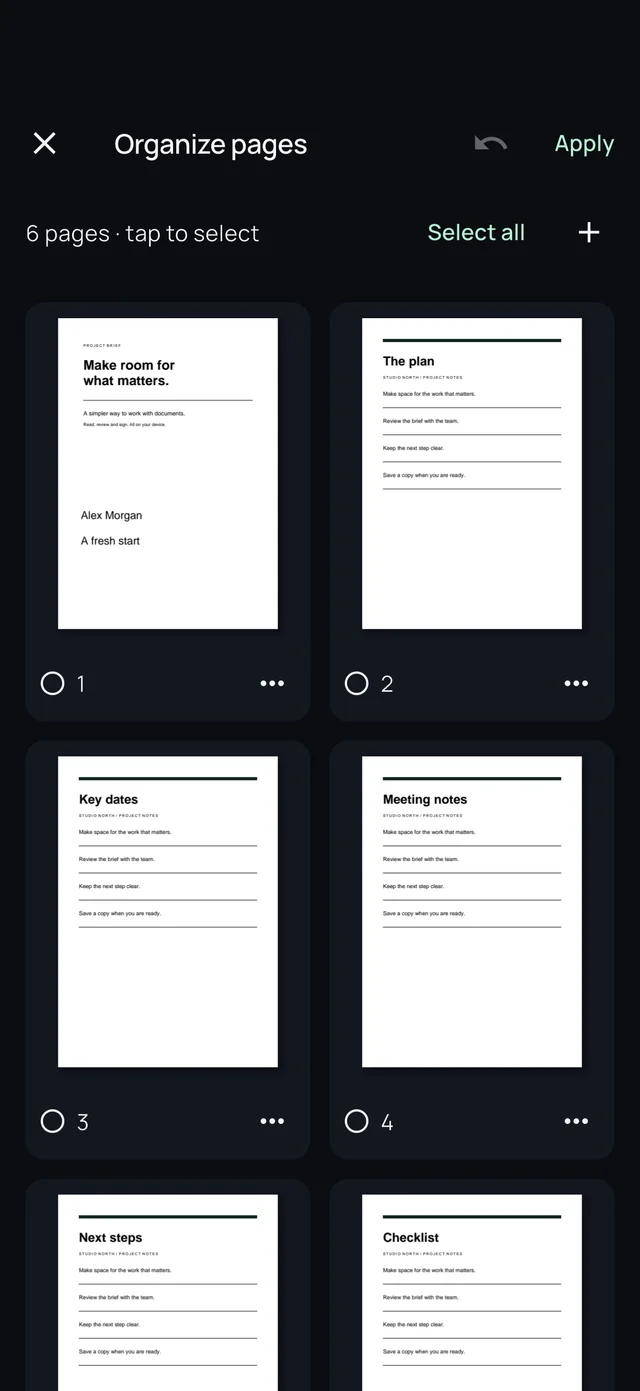
Generate a separate merged copy. Check its page count, orientation and contents; use page organization to adjust pages if needed.
Save or share your copy
Choose an output name and save location. Open the saved document before sending it to the intended recipient.
Get Papmio
Free offline PDF tools for iOS and Android. No ads, subscriptions or in-app purchases.
Related guides
Need more help? Read Support & FAQ or our privacy policy.